
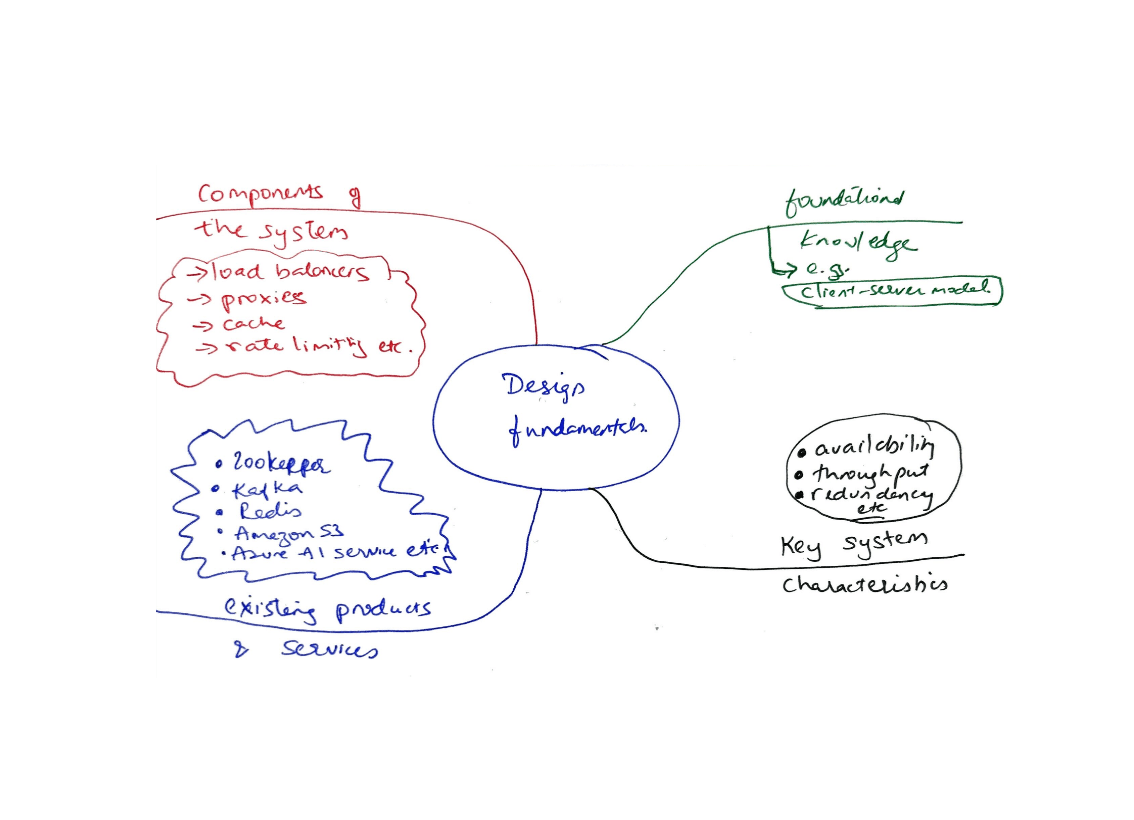
System Design: Fundamental Definitions
System Design Fundamentals
Hub for question card definitions. Will be linked to diagrams across all system design notes and exercises.
Will be ordered by system design intro section
Section 1. Single Machine Fundamentals
Single Server Set Up
1.1 Server
Responsible for serving an API and return data to user or others systems
- etc
1.2 Client
Responsible for consuming an API and presenting data to users or other systems Rely on servers to process requests and return results
- any software or device that initiates requests to a server or service over a network
- web browsers
- mobile apps
- desktop programs
- any service consuming an API
1.3 DNS
- responsible for resolving domain names into IP addresses
- (e.g.,
www.google.comto 8.8.8.8) - system usually provided by third parties
- registrars
- hosting providers
- dedicated DNS services
1.4 Domain Name
- human readable address of a resource on the internet
- acts as an alias for an IP address, easier to remember
- registered through registrars
- resolved to IP addresses via DNS
1.5 IP Address
- numerical label assigned to device on a network
An Internet Protocol (IP) address is the numerical label assigned to a device on a network. It is returned to the browser or mobile app after a DNS lookup so the client knows where to send requests.
1.6 TCP
1.7 UDP
1.8 HTTP Protocol
Hypertext Transfer Protocol (HTTP) is an application level protocol used for communication between clients (e.g., browsers, mobile apps) and servers on the web. It defines how requests and responses are formatted and transmitted over TCP/IP networks.
HTTP itself does not define the format of the data being sent, it only provides a way to transport it (e.g. of data being sent: HTML, JSON, img, binary files).
1.9 HTTP Request
An HTTP request is a message a client sends to a server,
asking for a resource or performing an action (e.g., GET /index.html).
    // HTTP Request
    GET /about HTTP/1.1
    Host: www.example.com
    Accept: text/html

    // HTTP Request with JSON Body
    POST /api/users HTTP/1.1
    Host: api.example.com
    Content-Type: application/json
    Authorization: Bearer <token>

    {
        "username": "alice",
        "email": "alice@example.com",
        "password": "securePassword123"
    }
1.10 HTTP Response
An HTTP response is the server's reply, which includes a status code (e.g., 200 OK), headers, and an optional body.
    // HTTP Response with HTML Body
    HTTP/1.1 200 OK
    Content-Type: text/html; charset=UTF-8

    <!DOCTYPE html>
    <html>
    <body>
        <h1>Hello World!</h1>
    </body>
    </html>

    // HTTP Response with JSON Body
    HTTP/1.1 200 OK
    Content-Type: application/json

    {
        "id" : 12,
        "firstName": "John",
        "lastName": "Smith",
        "address": {
            "streetAddress": "21 2nd Street",
            "city" : "New York",
            "state": "NY",
            "postalCode": 10021
        },
        "phoneNumber" : "212 555-1234"
    }
1.11 HTML Response
An HTML response is an HTTP response, specifically with a HTML body. Its used by web servers to deliver full web pages that browsers can render for users.
    // HTTP Response with HTML Body
    HTTP/1.1 200 OK
    Content-Type: text/html; charset=UTF-8

    // HTML Body
    <!DOCTYPE html>
    <html>
    <head>
        <title>Welcome</title>
    </head>
    <body>
        <h1>Hello, Jane!</h1>
    </body>
    </html>
1.12 HTTPS
1.13 Web Application
A web application is client software that runs in a browser.
- Uses client side languages for the UI (e.g., HTML, CSS, JavaScript)
- Uses server side languages (e.g., Java, Python, Node.js) to handle logic, data storage, and processing.
- Web applications are accessible through URLs and do not require installation on a user's device.
1.14 Mobile Application
A mobile application is client software designed to run on smartphones or tables.
- Communicates with servers using HTTP protocol
- Often using JSON for data body.
- Combine a UI (e.g., HTML, CSS, JavaScript) alongside a backend service separate from the mobile app to provide functionality.
1.15 API (Application Programming Interface)
A set of rules or defined contract that allow different software applications to communicate with each other.
- Creates rules such as existing endpoints, valid inputs, expected outputs and errors
- Contract allows different systems, such as client and server to communicate and work together
- Request: A client/user sends a request through the API
- Processing: The API forwards the request to the server
- Response: The server processes the request and sends the response back to the api
- Delivery: The API returns the server's response to the client
1.16 REST
1.17 GraphQL
1.18 gRPC
Database
1.19 Relational Database (SQL)
1.20 Non Relational Database (NoSQL)
1.21 Database Queries
1.22 Scaling
1.23 Vertical Scaling
1.24 Horizontal Scaling
1.25 N Tier / 3 Tier Architecture
Section 2. Scaling the Web Tier
Intro
Once you have more than one server, the load balancer + statelessness question is the first real design decision you make
Traffic Routing
2.1 Proxy
2.2 Reverse Proxy
2.3 API Gateway
2.4 Load Balancer
2.5 Round Robin
2.6 Least Connections
2.7 Weighted
2.8 IP Hash
2.9 Private IP Address
2.10 NAT
2.11 Multiple Servers
Reliability
2.12 Health Check / Heartbeat
2.13 Failover (Active Passive)
2.14 Failover (Active Active)
2.15 Single Point of Failure (SPOF)
Service Architecture
2.16 Monolith
2.17 Microservices
2.18 Circuit Breaker Pattern
Section 3. Scaling the Data Tier
Intro
Once compute is distributed, the database and cache become the next bottleneck
Data Tier Via Database Replication
3.1 Single Leader (Master Slave)
3.2 Multi Leader
3.3 Leaderless Replication
3.4 Database Replication Benefits
- Master/Slave DB
- Better performance
- Better Reliability
- High Availability
3.5 Synchronous Replication
3.6 Asynchronous Replication
Storage
3.7 Object Storage
3.8 Block Storage
3.9 File Storage
Storage Engine Internals
3.10 Write Ahead Log (WAL)
3.11 SSTable
3.12 LSM Tree
Consistency Theory
3.13 Database Indexing
3.14 Sharding
3.15 Range Based
3.16 Hash Based
3.17 Directory Based
3.18 ACID
3.19 BASE
3.20 CAP Theorem
3.21 Consistency Models
Distributed Consistency Mechanics
3.22 Quorum Consensus N/W/R Reads & Writes
3.23 Vector Clocks
3.24 Merkle Trees
Cache
3.25 Cache
A cache temporarily stores copies of data that would otherwise be retrieved from a slower backend, such as a database or remote API.
Caches can exist at different levels.
3.26 Client Side Cache
Stored in the browser or app (e.g., local storage, service workers).
3.27 CDN Edge Cache
Cached at network edge servers to reduce latency for geographically distributed users.
3.28 Server Cache
External in memory (e.g., Redis, Memcached) controlled by the server to accelerate API responses and usually put in front of a database.
3.29 Database Cache
Some relational databases or ORMs have built in query caching
3.30 Expiration Policy
Determine a viable expiration policy, that once cached data reached, it expires and is removed from the cache.
3.31 Consistency
Keeping the database and cache in sync is challenging. Inconsistencies occur as data modifying operations on the data store and cache are not done in a single transaction. Difficulty increases when scaling across multiple regions, a good reference is 'scaling memcache at facebook'.
3.32 Mitigating Failures
A single cache server represents a single point of failure. Multiple cache servers across different data centers is recommended in addition to overprovisioning required memory by certain percentages to provide a buffer as memory usage increases.
3.33 Eviction Policy
Once a cache is full, new requests to add items will cause existing items to be removed. Least recently used (LRU) is the most popular cache eviction policy. Least frequently used (LFU), First in First Out (FIFO) can also be used to satisfy different use cases.
3.34 CDN
A CDN is a globally distributed network of edge servers that caches static and sometimes dynamic content. When a user requests content, the CDN serves it from the nearest edge server instead of the origin server, reducing load times and bandwidth usage.
3.35 CDN Considerations
-
Cost CDNs are run by third party providers, so you are charged for data transfers in and out of the CDN, so cache only frequently used data.
-
Cache Expiry Cache expiration time should not be too long to avoid un fresh data or too short that reloading of content from origin to CDN is too often.
-
CDN fallback Consider how application copes with CDN failure, temporary CDN outage, in a way that clients should be able to detect the problem and start requesting resources from the origin.
-
Invalidating files Expiration occurs either by APIs provided by CDN vendors or by updating object versioning to server a newer version of some object.
Removing State From Web Tier To Scale Horizontally
3.36 Cookies
3.37 Session
3.38 Authentication
3.39 Authorization
3.40 Stateless Web Tier
3.41 Stateful Architecture
3.42 Stateless Architecture
3.43 Shared Storage
3.44 Auto Scale
Data Centers
3.45 Geo DNS Routing
3.46 Multi Data Center Setup Challenges
- Traffic redirection
- Data Synchronization
- Test and DEployment
Section 4. Decoupling Components for Independent Scaling
Intro
To further scale our system, we need to decouple a different components of the system so they can be scaled independently.
Messaging queue is a key strategy employed by many real world distributed systems to solve this problem.