
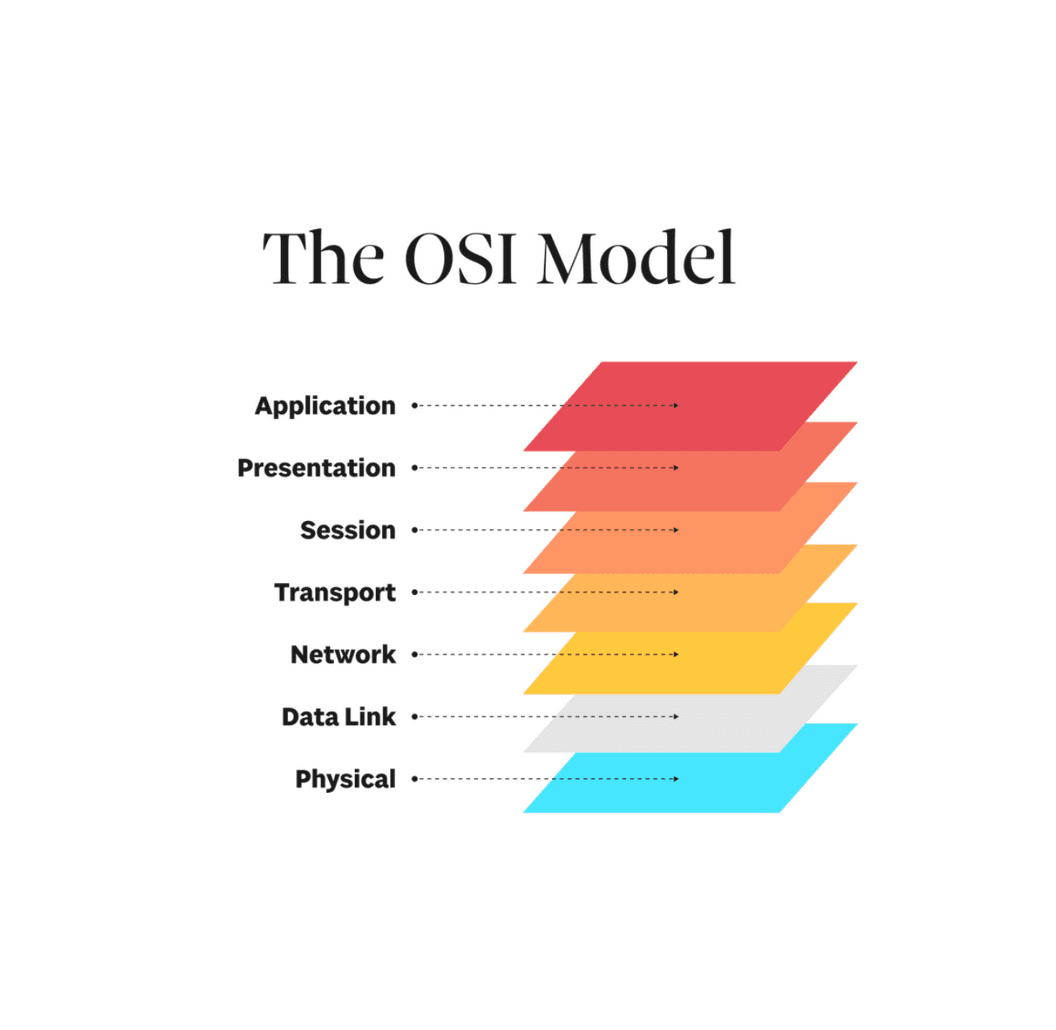
Networks: OSI 7 Layers
Intro
Layers! Like an onion!
The OSI 7 Layer Framework Model
The OSI model (Open Systems Interconnection) is a conceptual framework created by the International Organization for Standardization (ISO) in 1984.
Its job is to describe how data travels across a network by breaking the process down into 7 distinct, ordered layers, each with a specific job
Every concept in networking, from TCP handshakes, IP routing, Ethernet frames, TLS encryption, each concept maps to a specific layer.
Understanding OSI gives you a mental map for reasoning about any network problem.
The 3 Main Goals of OSI
-
Interoperability: to define standard interfaces such that any Layer 3 device can talk to any Layer 2 device without modification
-
Modularity: to allow changes to the implementation, but not the interface of one layer without affecting otherwise
-
Troubleshooting: to isolate responsibility so as to confine issues to a specific layer
OSI vs TCP/IP
OSI vs TCP/IP Diagram
OSI Model (7 layers)                                              TCP/IP Model (4 layers)
                                                                  (what the internet actually runs)

+--------------------+  +----------------------------------+ +-------------------------+
| 7. Application     |  | HTTP, DNS, SMTP, FTP             | |                         |
+--------------------+  +----------------------------------+ |   Application           |
| 6. Presentation    |  | TLS                              | |   (HTTP, DNS, SMTP,     |
+--------------------+  +----------------------------------+ |    FTP, TLS)            |
| 5. Session         |  | (Session management, APIs, etc.) | |                         |
+--------------------+  +----------------------------------+ +-------------------------+
| 4. Transport       |  | TCP, UDP                         | |   Transport             |
+--------------------+  +----------------------------------+ |   (TCP, UDP)            |
+--------------------+  +----------------------------------+ +-------------------------+
| 3. Network         |  | IP, ICMP                         | |   Internet              |
+--------------------+  +----------------------------------+ |   (IP, ICMP, ARP)       |
+--------------------+  +----------------------------------+ +-------------------------+
| 2. Data Link       |  | Ethernet, Wi-Fi, MAC             | |   Network Access        |
+--------------------+  +----------------------------------+ |   (Ethernet, WiFi,      |
| 1. Physical        |  | Physical (cables, signals)       | |    MAC, Physical)       |
+--------------------+  +----------------------------------+ +-------------------------+

OSI is the reference model (for learning and troubleshooting).
TCP/IP is the implementation model (what actually runs the internet).
Note: When engineers say a "Layer 3 problem", they are referencing OSI layers, even though the internet runs TCP/IP, the OSI number is the universal language for discussing networking behavior.
Layer 7: Application Layer
The layer humans interact with directly. Provides network services to end-user applications. Does NOT include the application itself. (Firefox is not Layer 7, HTTP which Firefox uses to communicate, is Layer 7)
Responsibilities
- Provides protocols that applications use to exchange data
- Defines the format and semantics of that data being exchanged
- Handles high level concerns: authentication, data syntax, resource access
1. Protocols to Exchange Data
2. Data Format and Semantics
3. High Level Concerns
Protocols
Key Application Layer Protocols:

HTTP  (Port 80):   HyperText Transfer Protocol
                   Request/response protocol for web content
                   GET /index.html HTTP/1.1 -> 200 OK + HTML body

HTTPS (Port 443):  HTTP over TLS
                   Same as HTTP but encrypted via TLS (Layer 5/6)

DNS   (Port 53):   Domain Name System
                   Translates hostnames to IP addresses
                   Query: "www.example.com?" -> Response: "93.184.216.34"
                   Uses UDP by default, TCP for large responses

SMTP  (Port 25):   Simple Mail Transfer Protocol
                   Sends outgoing email between mail servers
                   EHLO, MAIL FROM, RCPT TO, DATA commands

IMAP  (Port 993):  Internet Message Access Protocol
                   Retrieves email, keeps messages on server
                   Supports folders, flags, multiple device sync

FTP   (Port 21):   File Transfer Protocol
                   Downloads and uploads files between hosts
                   Uses two connections: control (21) and data (20)

TFTP  (Port 69):   Trivial File Transfer Protocol
                   Simplified FTP over UDP, no authentication
                   Used for booting network devices (PXE boot)

SSH   (Port 22):   Secure Shell
                   Encrypted remote terminal access and file transfer

DHCP  (Port 67/68): Dynamic Host Configuration Protocol
                    Automatically assigns IP addresses to devices on a network
Protocols Organized By The 3 Responsibilities of Layer 7
1. Data Exchange: Protocols that define how communication happens between applications
- HTTP / HTTPS: Request/response communication model for web traffic
- SMTP: Send email between servers using command sequences
- IMAP: Retrieves and syncs email from server to client
- FTP / TFTP: Transfer files between hosts
2. Data Format and Semantics: Protocols that define how data is interpreted
- HTTP / HTTPS: Defines headers, status codes (e.g., '200 OK', '404 Not Found') and message structure (headers + body)
- DNS: Defines query/response structure (name to IP mapping)
- SMTP: Defines command syntax and email envelope format
- IMAP: Defines message structure, flags, folders
3. High Level Concerns: Protocols that handle security, access, and configuration
- HTTPS: Encryption via
- SSH: Secure remote access and command execution
- DHCP: Automatic IP configuration (IP, gateway, DNS, subnet)
- FTP: Authentication (username/password)
- TFTP: Minimal configuration use cases
Responsibilities Takeaway:
Many Layer 7 protocols span multiple responsibilities types. The point we are making here is that layer 7 is not a strict separation of responsibilities, but more so, all the protocols lump sum help ensure that the 3 overall responsibilities of layer 7 are ensured.
Layer 6: Presentation Layer
Ensuring data sent by application layer of one system can be read by the application layer of another system by making the data 'presentable', via data translation, formatting, compression, and encryption. Acts as the network's data translator
Responsibilities
- Data Translation
- Data Compression
- Encryption/Decryption